IFPD Repairing
- Android Mainboard Repair
Android boards often suffer from software loops (restarting) or hardware component failures
-Common Symptoms: Stuck on logo, no Display , no signal, or constant restarting.
-Troubleshooting:
Voltage Check: Ensure the board receives stable 12V or 5V. Check the DC-to-DC converters on the board for 3.3V, 1.8V, and 1.1V (CPU core).
Software Reset: Try a "Blind Reset" by holding the power button for 10–15 seconds or using a recovery firmware via USB.
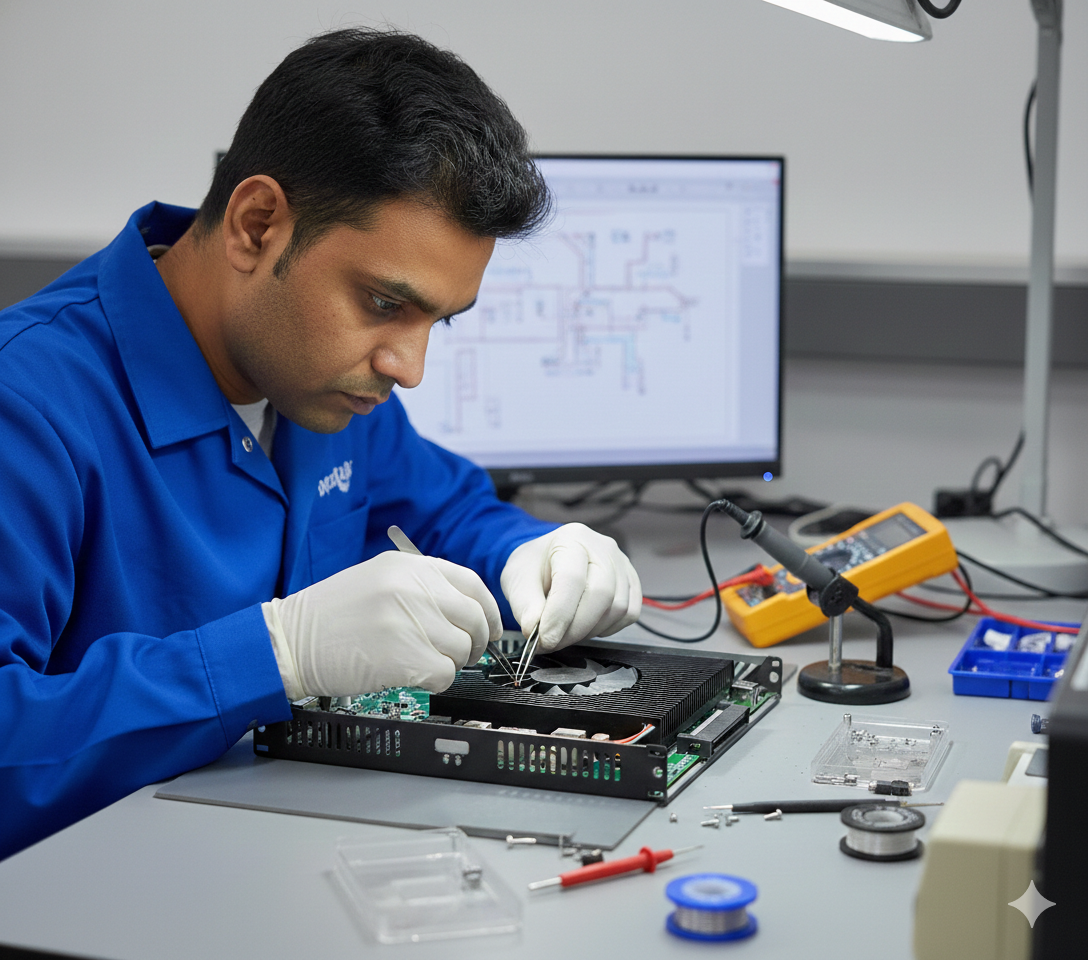
Reballing: If the TV hangs or shows artifacts, the BGA (CPU/EMMC) chip might have loose solder joints. Professional reflowing or reballing may be necessary.

- Power Board Repair
The power board is the most common point of failure due to voltage surges.
-Common Symptoms: No power LED, blinking standby light, or "dead" unit.
-Troubleshooting:
Voltage Check: Look for "domed" or leaking electrolytic capacitors.
Fuse & Rectifier: Check the main fuse and bridge rectifier for continuity. If the fuse is black, there is likely a major short in the MOSFET or Power IC.
Universal Modules: For severely burnt circuits, technicians often use universal modules like CA-888 or DS-0088 to bypass the primary PWM section.
.png)
- T-CON Repair
The T-Con board translates signals from the mainboard into images on the panel.
-Common Symptoms: Sound but no picture, vertical/horizontal lines, flickering, or "washed out" colors.
-Troubleshooting:
LVDS Cable: Frequently, the issue is just a loose or oxidized ribbon cable. Clean the gold pins with a soft eraser or isopropyl alcohol.
Voltage Points: Measure critical test points: VGH (approx. 20V–30V), VGL (approx. -5V to -10V), and VCOM. If these are missing, the DC-DC IC on the T-Con is likely faulty.
.png)
OPS Repairing
- OPS Repairing
OPS boards are essentially compact computers used in interactive panels.
-Common Symptoms: No boot, blue screen (BSOD), or overheating.
-Troubleshooting:
80-Pin JAE Connector: Inspect the large interface connector for bent pins or dust
CMOS Battery: A dead 3V battery can prevent an OPS from booting or saving BIOS settings.
RAM/SSD: Reseat the memory modules and storage. OPS units often fail due to vibrations loosening these components.

Specialized Services
- PAN-India Installation
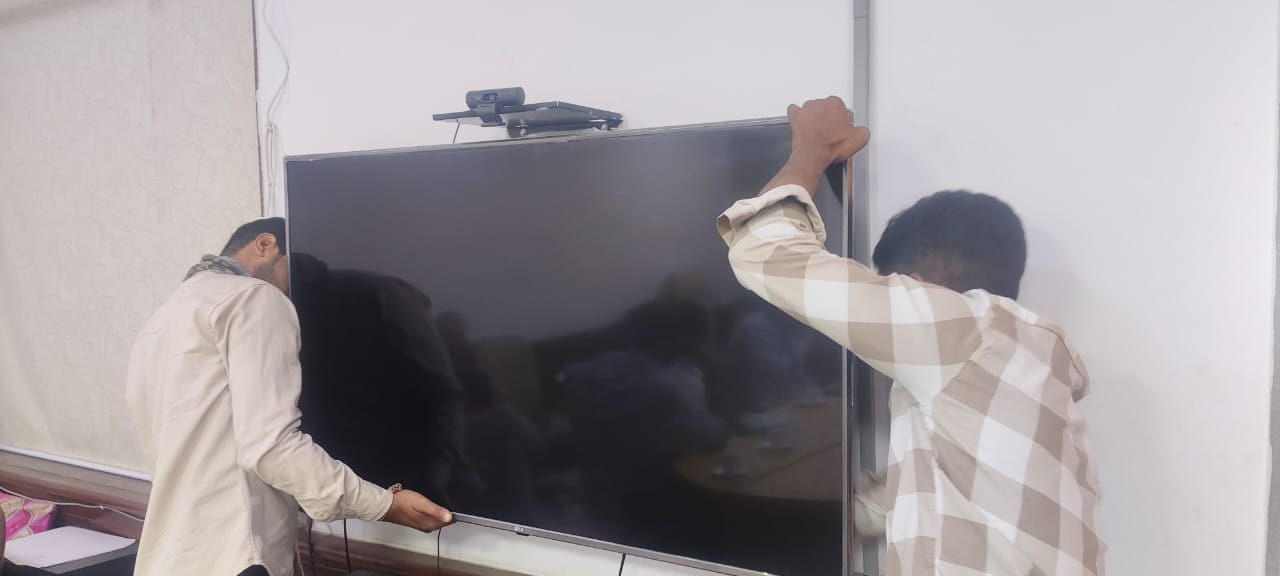
The cornerstone of a successful "Smart Classroom" or digital office is a seamless installation process. The Innovators Technology manages the entire lifecycle of hardware deployment, moving beyond simple mounting to provide full IT infrastructure integration.
Interactive Flat Panels (IFPD): The company handles the deployment of panels ranging from 55" to 110", ensuring they are securely integrated with networking assets and protective measures like shutter frames.
Information Kiosks & Digital Podiums: These tools are essential for public information dissemination and professional lecturing. The team ensures these devices are calibrated for touch responsiveness and synced with central data systems.
PTZ Cameras: Critical for hybrid learning and video conferencing, these cameras require precise positioning and software synchronization to facilitate a professional virtual environment.
.png)
Our Work in Action
High-Precision Board Repair
Smart Classroom Setup
Get In Touch
+91 7042475322 | 8527928108
theinnovatorstechnology@gmail.com
Yadav Park, B-16, Kamruddin Nagar, Delhi - 110041
NAVIGATE TO OFFICE